
EXPLAINER: How scammers reach you, with or without your data - Rappler
Already have Rappler+? Sign in to listen to groundbreaking journalism.
This is AI-generated. Read the article for full context. Report any errors.
Recent data breaches have exposed personal records across Philippine government agencies and private firms, making it more important than ever to stay alert to targeted scams.
The National Privacy Commission has advised the public to remain cautious about possible attempts at phishing, smishing, and other scams that may arise after the wave of cybersecurity incidents in the country.
In its State of Scams Report, the Global Anti-Scam Alliance (GASA) found that 84% of Filipinos have encountered a scam this year. This is an increase from 77% in 2025. The survey, which had 1,160 Filipino adult respondents, was conducted from March 16 to April 13, 2026.
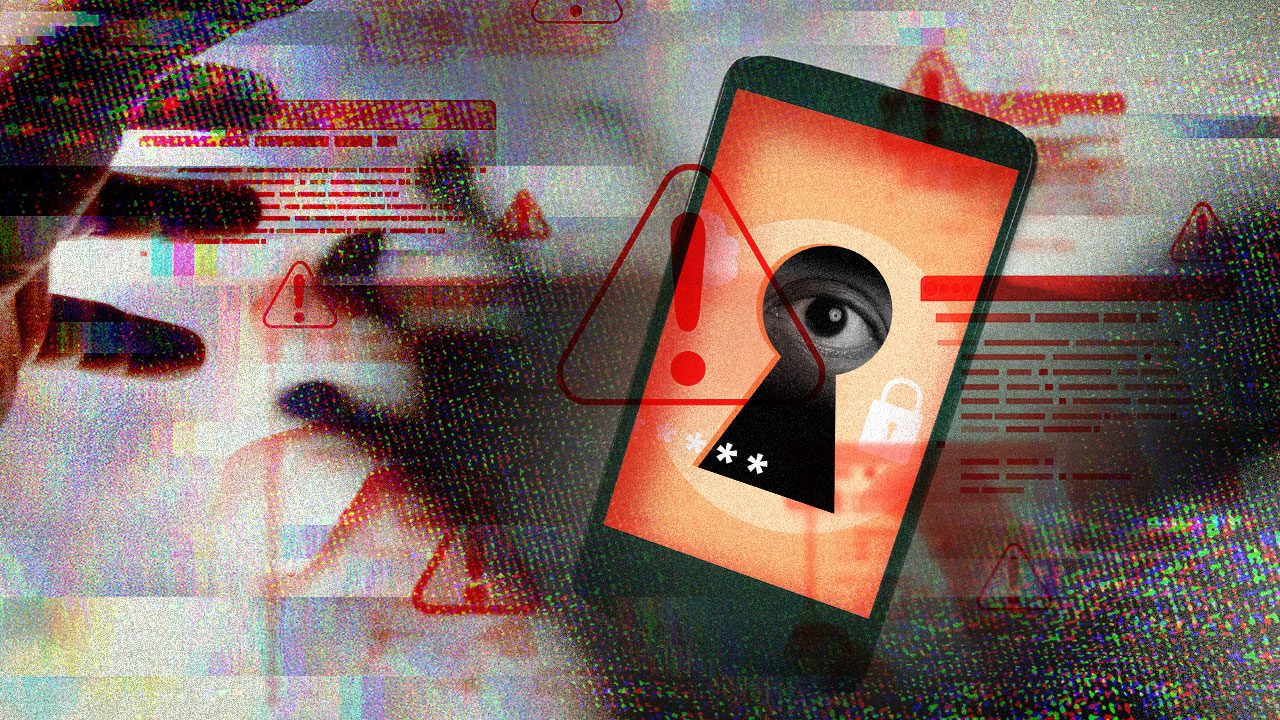
Knowing what a scam looks like is no longer enough, as scammers have upgraded their techniques to catch you. Here is how scammers reach you today.
With your real name or account details, scammers can send convincing fake promotions, receipts, password-reset prompts, and even account-suspension warnings.
Since emails allow you to enhance your text with styles, scammers can easily mimic official branding of government agencies, banks, and organizations to trick you into opening malicious attachments or clicking links.
Your email service can often detect whether a message is suspicious or not. But you must watch out for mismatched sender domains, unusual requests, or unexpected links and attachments.
As more telecommunication companies tighten SMS filters, scammers have migrated to Facebook, Instagram, Viber, Telegram, WhatsApp, and other social media platforms.
When they gain unauthorized access to your social media accounts, they target more victims by impersonating you and sending suspicious direct messages (DMs) or links to your contacts.
Some even casually ask how you are and proceed to offer you job opportunities or paid tasks.
Be mindful of engaging with messages not only from unknown contacts, but also from your loved ones. If you notice something suspicious, you may use your online messaging app’s report and block option.
Scammers do not only use unknown numbers to contact you. They can spoof their caller ID to imitate banks, digital wallets, government employees, and courier companies using Voice over Internet Protocol (VoIP).
It allows users to make phone calls via an internet connection instead of an analog phone line, according to the Federal Communications Commission.
Fraudsters utilize VoIP to lure you into sharing sensitive information by telling you that you have unauthorized transactions or your account has been compromised. They cause panic and urgency, so they can access your account information.
Be cautious when answering phone calls from unknown numbers. Do not share sensitive account details or passwords, as banks and e-wallets will never ask for those details, and scammers can also spoof caller IDs.
GASA also discovered that Filipinos mostly experience scams conducted through text messages this year.
Scammers used to deliver spam texts to you through an unknown phone number, which you can easily identify as suspicious.
But now they have found a workaround that does not require your phone number to reach you: International Mobile Subscriber Identity (IMSI) catchers.
These are surveillance devices acting as fake cell towers that can intercept your mobile phone, access your device’s location, and manipulate message threads by sending spoofed messages to you.
Such messages slip straight into your legitimate message threads because they are undetected by telco spam filters as they bypass cell towers.
Cybersecurity advocacy group Scam Watch Pilipinas documented spoofed messages through IMSI catchers as early as 2024, according to an investigative report by The Philippine STAR.
The Bangko Sentral ng Pilipinas already released Memorandum No. M-2022-015 in 2022, prohibiting banks from sending clickable links through text, email, or messaging apps.
If you receive a text message with a link to your device, do not click it, since it may be a smishing scam.
The Canadian Centre for Cyber Security also advised turning off the 2G network connection of your device, if the option is available.
Unlike texts or calls that interrupt you, fake websites serve as the final trap.
Fraudsters draw you in through a link in a spoofed SMS, a phishing email, a social media DM, or a sponsored search or social media ad. The goal is for you to land on a bogus website that clones a banking portal, promo page, or online store.
Even scanning QR codes can lead you to malicious website links hidden as an image instead of text until the page loads.
These fake websites often spoof banking portals that require you to enter your login credentials, card details, or one-time PINs.
Before clicking on any link, look closely at the web address for uncommon domains, misspelled or extra words, unfamiliar symbols, and numbers swapped for letters (e.g., 0 for O and 1 for l).
When scanning QR codes, check first if the printed image has signs of tampering. You may also read the link preview first before accessing the site after scanning.
Also ensure that you have activated the built-in anti-phishing or malware protection features of your browsers and have turned on multi-factor authentication for your digital accounts.
Scammers can spoof phone numbers, clone websites, or imitate cell towers. But they cannot get through a user who stops to verify first.
If you encounter any online scams, you may report them to the Cybercrime Investigation and Coordinating Center by dialing 1326. – Rappler.com
Discover more through topics that were hand-picked by our editors in relation to this article.
The selection above is AI-generated. Read the article for full context. Report any errors.
Discover more through topics that were hand-picked by our editors in relation to this article.
