
New parental controls in iOS 27 - Inquirer Technology
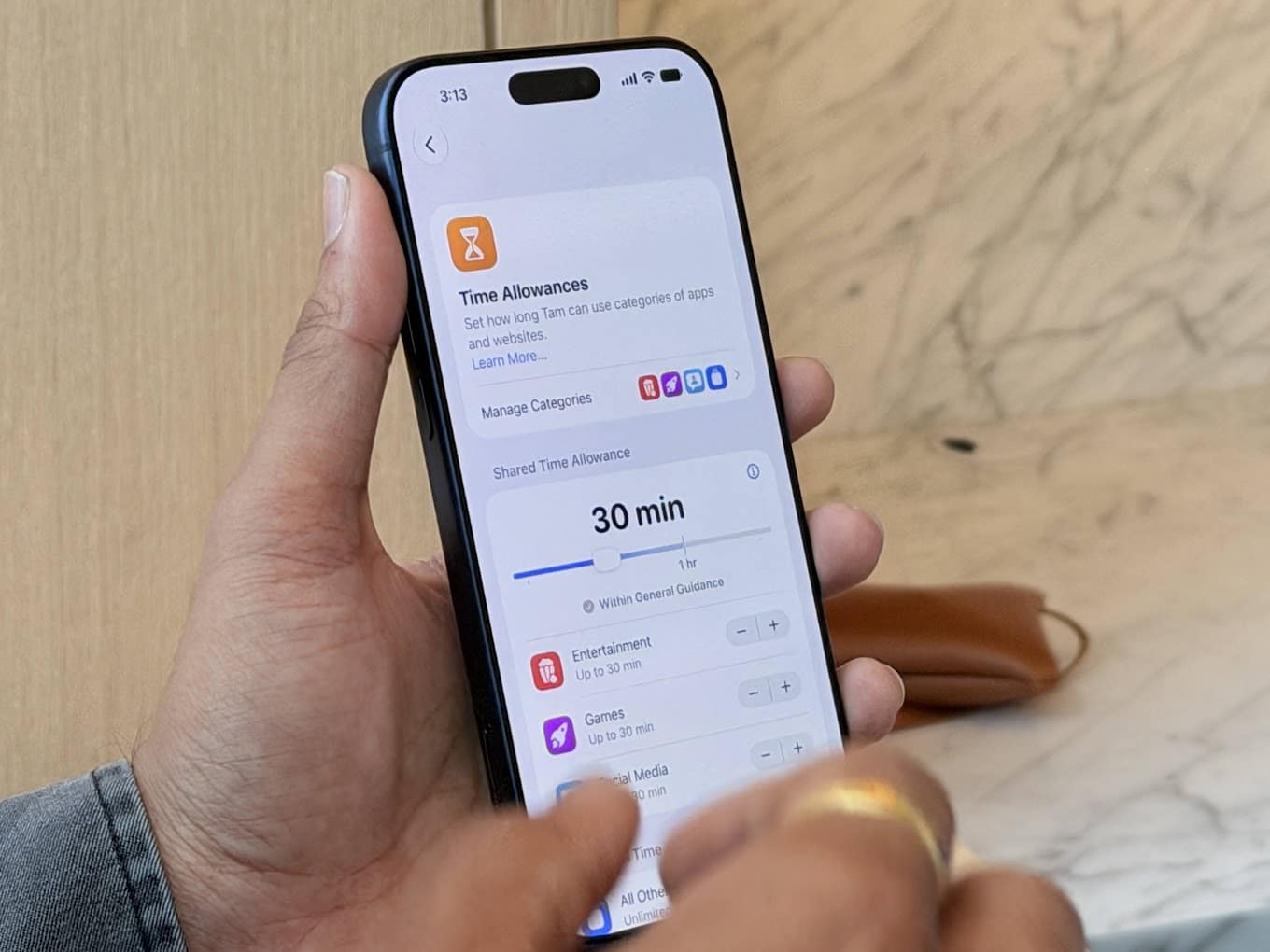
A few weeks ago I had the chance to get a preview into the new iOS 27 features that is launching today. The more streamlined child safety controls come from feedback from parents who deal with the realities of handing off their iPad or second-hand iPhone to their kids.
The new iOS 27 child safety controls also come at a time where the House passed an Act making child safety online more deliberate due to the recent string of school violence threats.
The most important feature is a huge rework on how child safety controls is set up. The process is more streamlined when a new device is turned on, or an old device is reset. Upon setting up a device, a prompt will appear asking if you will be setting up an account for your child. This automatically enables parenting features and an automatic link to your iCloud parent account.
Because Apple has its own proprietary apps such as Safari, it auto-enables permissions to browse. When your child wants to browse something on the Internet, a prompt to the parent account will ask for permission.
Apple has also enabled chat monitoring on iMessage, blocking of dubious content such as nudity in chat and FaceTime, and in shared images and videos.
Apple has also reworked App Limits and is now called Time Allowances, allowing for individual screen time across different types of apps such as games and other social media. The updated feature allows for age-appropriate content and bulk-categorization for apps on timed mode. Parents have the option to extend or remove screen time at the push of a button.
iOS 27 is now available for download as of today. New features are available now with the Screen Time update in iOS 27, iPadOS 27, and macOS 27. All devices in a Family Sharing group must be updated to iOS 27, iPadOS 27, macOS 27, watchOS 27, and visionOS 27 to use the Screen Time update.


